
Payroll
Run payroll without rebuilding the month in Excel.
Salary structures, attendance, leave, overtime, claims, and statutory packs feed one payroll run. Review it, then publish payslips to self-service.
Worq · PayrollAcme Corp
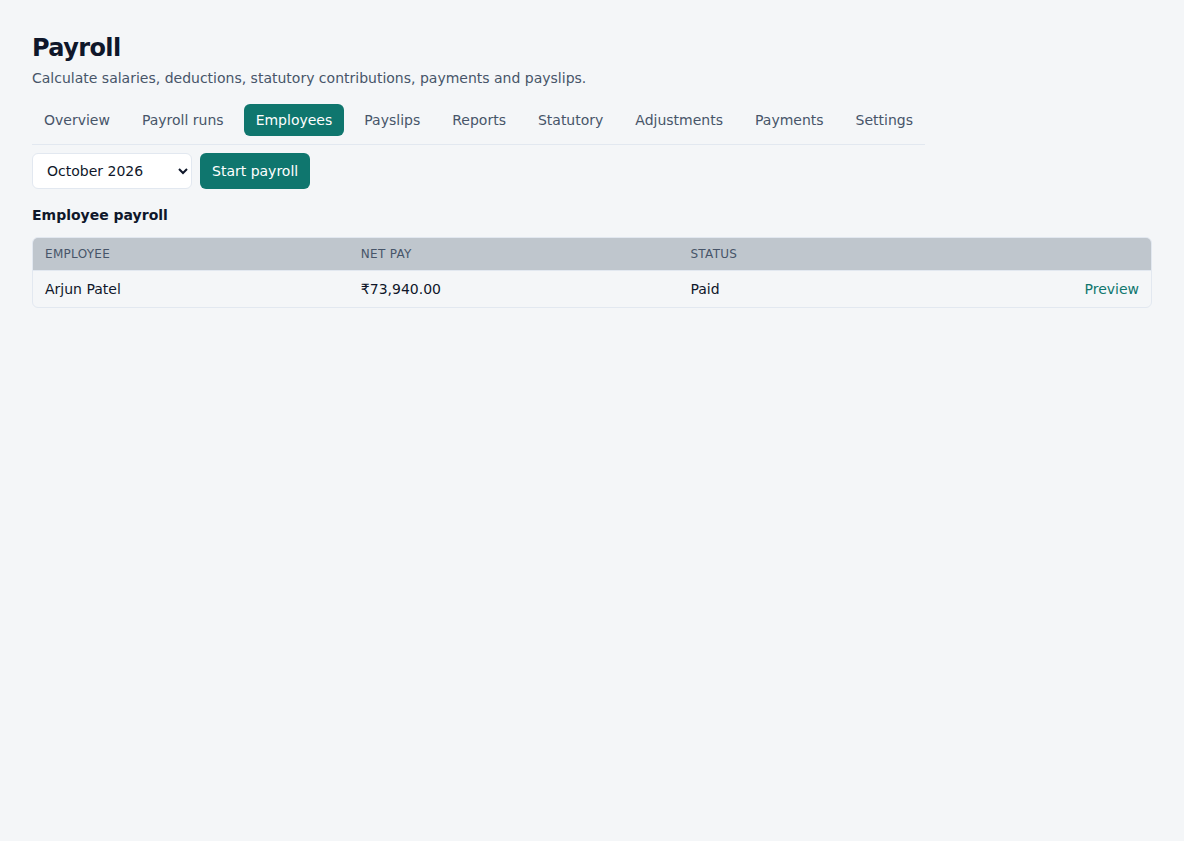
What the payroll run can include
- Salary structures and components
- Attendance and loss of pay from approved days
- Overtime when it is eligible
- Leave that affects pay
- Reimbursements and claims that you include
- Loans and advances on Essentials and above
- Statutory packs you enable (tax slabs, PF-style contributions, and other configured rules)
- Payslips employees open themselves
- Period lock so later punches do not silently change a closed month
- Inputs toward full and final settlement
How a month becomes a payslip
- 01
Employee + salary structure
- 02
Attendance, leave, OT, claims
- 03
Statutory rules you enabled
- 04
Payroll run (gross, adjustments, deductions, net)
- 05
Review and approve
- 06
Payslip
- 07
Employee self-service
Only advertise what is ready
- Configurable statutory packs — not a hard-coded single-country fork
- Tax withheld when slabs are set
- Employer and employee contribution lines from enabled packs
- We do not claim a complete government filing portal for every Act
Payroll is the last mile, not a separate product
If attendance or leave is wrong, fix those records. Then run payroll again on an open period.
Questions
- Can a small company run payroll on Starter?
- Yes — basic payroll and payslips. Full operational payroll depth is on Essentials.
- Do you file PF or ESI for us?
- Worq applies the statutory packs you configure and keeps the run auditable. Filing remains your or your CA’s responsibility unless we have agreed a specific filing workflow.
- What if attendance changes after I pay?
- Closed payroll periods stay locked. Corrections belong in the next open run or a defined adjustment.